
Partner content
Strava: record outdoor activity and choose what you share
Published on
Activity recording, routes and clubs, with a clear look at the privacy settings to check before making Strava part of your routine.
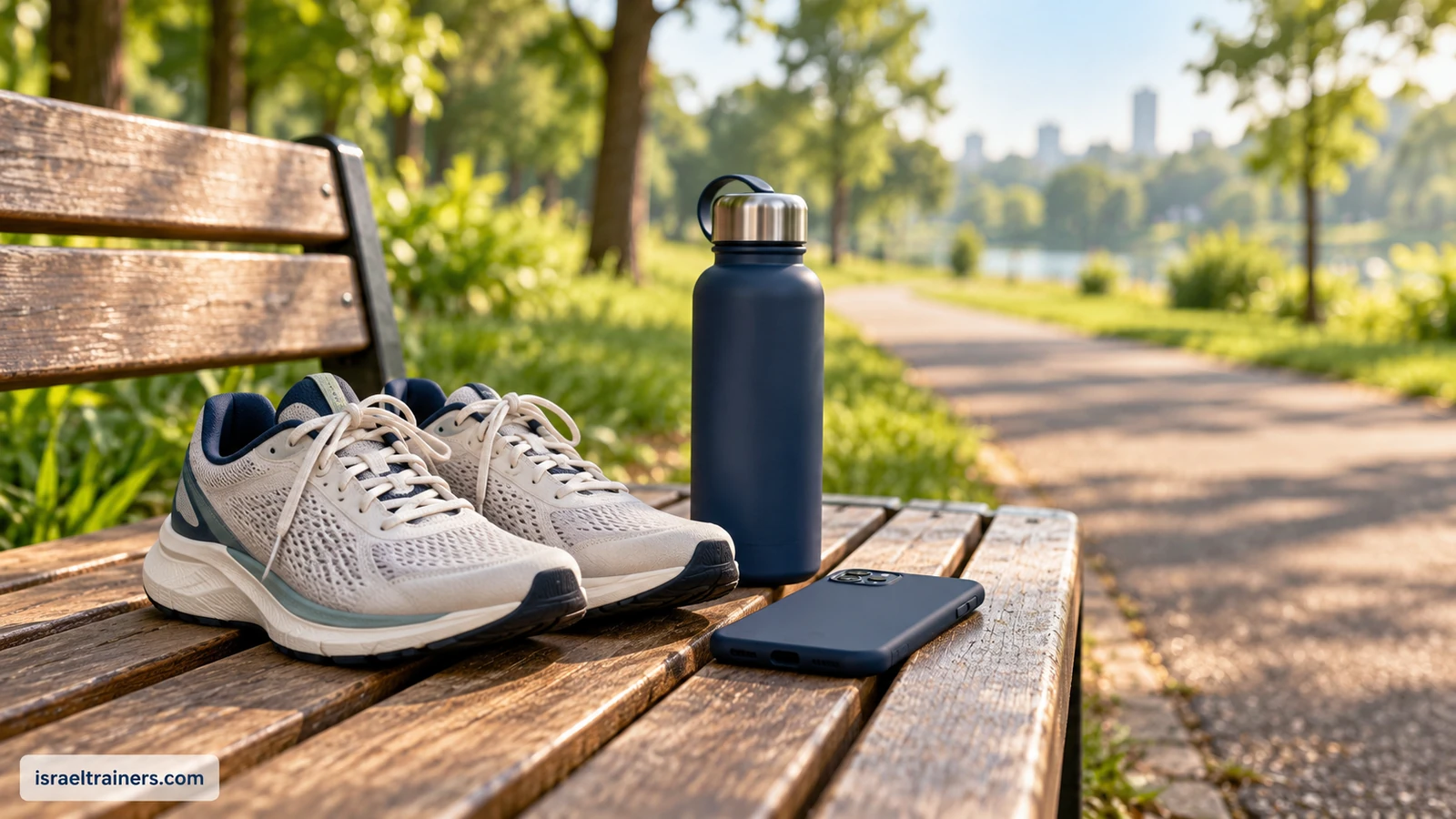
Strava lets you record outdoor activity and return to the route and statistics afterwards. The same map can also reveal where you started, when you went out and which places you visit repeatedly. Getting started therefore involves two decisions: learning how to record the activity and deliberately choosing who can see it.
The company's website and help centre describe a service combining activity recording, social features, route tools and analysis, with some features included in a subscription. This overview is based on that documentation, without hands-on testing. It focuses on everyday use and the choices worth making before your first saved activity becomes a routine.
Give the first recording a simple purpose
The recording screen lets you select a sport, start tracking, pause and save. GPS-based activities include location data. When saving, you can add a title and description and set the activity's visibility. Strava's guide to recording an activity explains that process.
For your first check, use an activity you already know. Learn the controls without changing your workout for the app. Make sure you understand how to finish and confirm that the record has saved. If the recorded route does not match where you went, investigate the recording before drawing conclusions from its distance or pace figures. A useful log starts with information you can interpret.
Decide who should see an activity
Strava documents three activity audiences: Everyone, Followers and Only You. You can set a default and change individual activities separately. Updating the default does not automatically change the visibility of older activities, so an existing account needs a separate look back through its history.
Decide whether you want a personal diary, sharing with a limited group or wider publication. The answer can differ between activities. A familiar route beginning close to home may call for a different choice from an event you want to share. Review profile visibility too, since it is a separate control. Knowing your intended audience makes it easier to decide what to include in titles, descriptions and photographs.
Treat map visibility as a separate setting
The company provides controls to hide the beginning, end or entirety of an activity map. It also explains that these do not replace the activity's audience setting. An activity can remain visible to the selected audience even when part of its map is hidden.
Strava cautions that a hidden location might still be inferred from other information, and its map visibility controls do not travel with activities shared to other services. Consider the map, description and photographs together. Review connected services individually. You can keep a useful personal record without publishing identifying details about the places where your exercise begins and ends.
Use suggested routes as planning material
The subscription documentation lists route creation, suggested routes and downloadable offline route maps. Those tools can support planning, but a line on a map is not confirmation of present conditions. Before setting out, check whether the route fits your intended activity and the circumstances you know about.
For readers in Israel, practical questions include road crossings, lighting, permitted access and options for shortening the outing. These are general checks, not information about a particular route. Consult relevant local notices or official instructions separately. Popularity and other people's recorded activities do not resolve every question about a route you intend to follow today.
Look beyond a club's name
Strava Clubs can bring together posts, activities and events. The help centre describes searching by location and sport, with public clubs and clubs requiring approval to join. This offers a starting point for finding a community, but a listing alone does not tell you how an in-person session operates.
Ask the organisers about the meeting point, activity format, language, expected level and any registration or payment. Do not assume every event includes professional coaching. If individual support is what you want, use the trainer directory to identify professionals and discuss qualifications, arrangements and terms separately. A community and a personal coaching service can serve different purposes.
Read the numbers alongside their context
A continuing diary can help you frame more precise questions: when you went out, which routes recur and where your routine changed. Short, descriptive titles and relevant notes make that record easier to revisit. There is no requirement to turn every outing into a performance test or compare it with other people's results.
If you discuss the data with a trainer, agree which information is relevant to your programme. Stops, changes in terrain or recording problems may matter when interpreting a particular entry. Write down useful context instead of expecting a number to explain the entire session. Additional statistics are most useful when you already know the question you want them to answer.
Pay for a defined use
Before subscribing, check the official Strava website (opens in a new tab) and the offer displayed to you. Keeping a basic activity record is a different requirement from building routes or using additional analysis. This article does not quote a fixed price for Israel. Confirm the currency, billing period, renewal terms and supported devices before making a purchase.
Then return to the activity you saved. Can you understand it, find it again and feel comfortable with the audience you selected? Those answers give you a basis for deciding whether Strava fits your routine. Its practical appeal lies in combining a record, planning tools and community, while letting your own needs determine which parts deserve your attention.
More partner articles

Partner content
Down Dog: choose home yoga around your time, language and space
Duration, level and voice are a starting point: what to check in Down Dog, how to prepare your space and what to review before subscribing.

Partner content
Hevy: how to keep a strength-training log you can use next time
Routines, previous values and useful notes: how to assess Hevy as a workout log and decide whether its paid features meet a real need.