
Partner content
Hevy: how to keep a strength-training log you can use next time
Published on
Routines, previous values and useful notes: how to assess Hevy as a workout log and decide whether its paid features meet a real need.
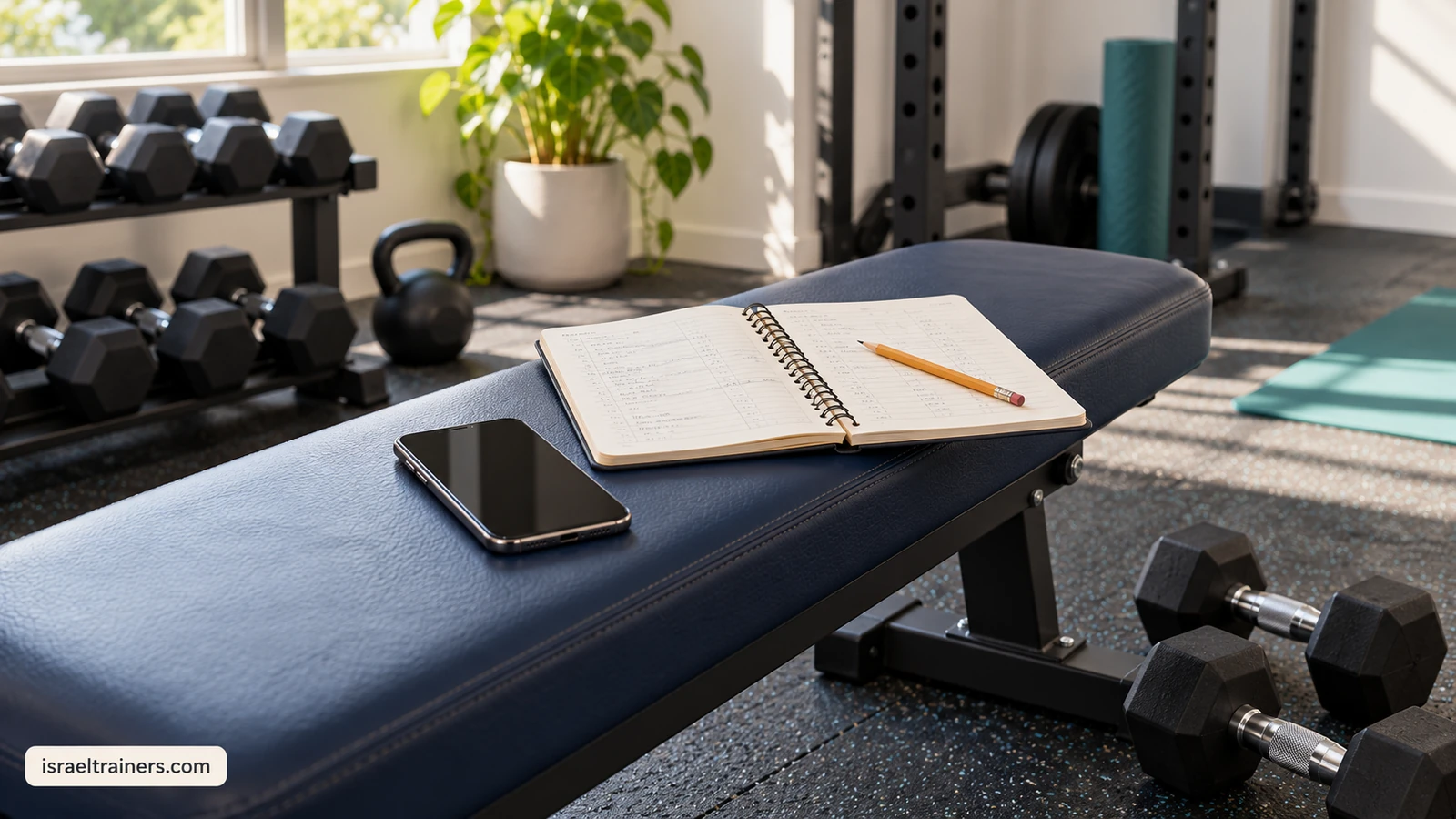
You return to a gym machine knowing you used it last time, but the details have disappeared. Which weight did you select? How many repetitions did you complete? Hevy brings those details into a digital training log. Its documentation describes tools for recording sets, repetitions and weights, saving workout templates and checking earlier performances. For someone already following a programme, the purpose is straightforward: keep a record that makes sense when the next session arrives.
This overview draws on Hevy's public documentation, rather than a hands-on test. Its potential value is not in filling every chart. It is in making the details you need easy to record and easy to retrieve.
Start with a workout you already know
Instead of transferring your entire training history, begin with one familiar session. Put the exercises in the order used in your programme and check that each name matches the equipment and variation involved. If you are uncertain which exercise to select, clarify it with your trainer before building a history that mixes different movements.
Hevy supports reusable routines and workouts started without a saved template. Treat the routine as the plan and the completed log as the record. When equipment is occupied or an exercise changes, record what actually happened. An immaculate template is less useful than an accurate account of a session that took a different shape.
Previous results provide context, not instructions
Hevy can display previous exercise values during a workout. The company explains that users can choose between the last performance of that exercise in any routine and its previous appearance in the current routine. That distinction matters when the same movement has different places in your training week.
The earlier number tells you what you recorded, not what you must repeat or exceed. With a trainer, agree which comparisons are useful and when a programme needs adjusting. Keep changes in equipment or exercise order understandable. Two entries that look similar on a screen may describe rather different sessions, especially if the surrounding context has been lost.
Use the exercise library to keep names consistent
The Hevy exercise library includes search, equipment and muscle filters, demonstrations and written instructions. Custom exercises can be added when the entry you need is missing. You can use those tools to organise an existing programme without turning a large catalogue into a longer workout.
Choose a consistent way to name similar variations. A change of machine should still be clear when you revisit the entry later. Demonstrations can help identify an exercise, but viewing one is not an assessment of your own movement. If you want personal guidance, the trainer directory offers a starting point for finding and contacting professionals about the support you need.
Give short notes a clear purpose
Hevy's help centre distinguishes routine notes from notes attached to an individual workout. Use that distinction deliberately. A recurring equipment reminder belongs with the template; an explanation of a one-off substitution belongs with the particular session. A few precise words can preserve information that a weight and repetition count cannot express.
The app also offers an adjustable rest timer that starts after a set is marked complete. It is an organisational tool. Set it to reflect the programme you are following, rather than treating a timer setting as an instruction to copy. Check notification options if alerts interrupt your concentration. Logging should fit around the session instead of making the phone its centrepiece.
Sharing a routine is different from arranging coaching
Hevy describes ways to share routines and folders through links. That can give a conversation with a trainer a concrete starting point. Sending a link, however, does not establish that someone will monitor the sessions, read every note or revise the plan. Those arrangements belong in the coaching agreement.
Before sharing, decide what information is useful for the recipient. Keep notes relevant and avoid adding personal details that serve no purpose. Agree who can propose changes, how you should raise questions and when feedback is included. A shared template works best when both people understand what they are expected to do with it.
Check the reason for upgrading
Hevy has a free version and a Pro subscription. The company's subscription information describes expanded routine, custom-exercise and statistics options. Check the current offer through the official Hevy website (opens in a new tab) and the purchase screen you will actually use. This article does not quote a fixed Israeli price; confirm the amount, billing period and renewal terms before buying.
Try a practical task first: create your routine, log it and find the information afterwards. If something essential is missing, check whether Pro specifically addresses that limitation. If your existing needs are already covered, additional features alone are not a reason to subscribe. Also check the experience on your intended device and whether the language presented is comfortable for you.
Decide whether the record is useful
Open an earlier session and try to understand it without relying on memory. Can you identify the exercise, see what changed and decide what to discuss next time? If not, simplify the naming and notes before adding more measurements.
Hevy is worth considering when you want an organised record of strength sessions and recurring programmes. Judge it by the usefulness of that record. Selecting a programme, adapting it to your circumstances and arranging professional feedback remain separate decisions. A clear log can help you approach those conversations with better information about what you actually did.
More partner articles

Partner content
Down Dog: choose home yoga around your time, language and space
Duration, level and voice are a starting point: what to check in Down Dog, how to prepare your space and what to review before subscribing.

Partner content
Strava: record outdoor activity and choose what you share
Activity recording, routes and clubs, with a clear look at the privacy settings to check before making Strava part of your routine.